01
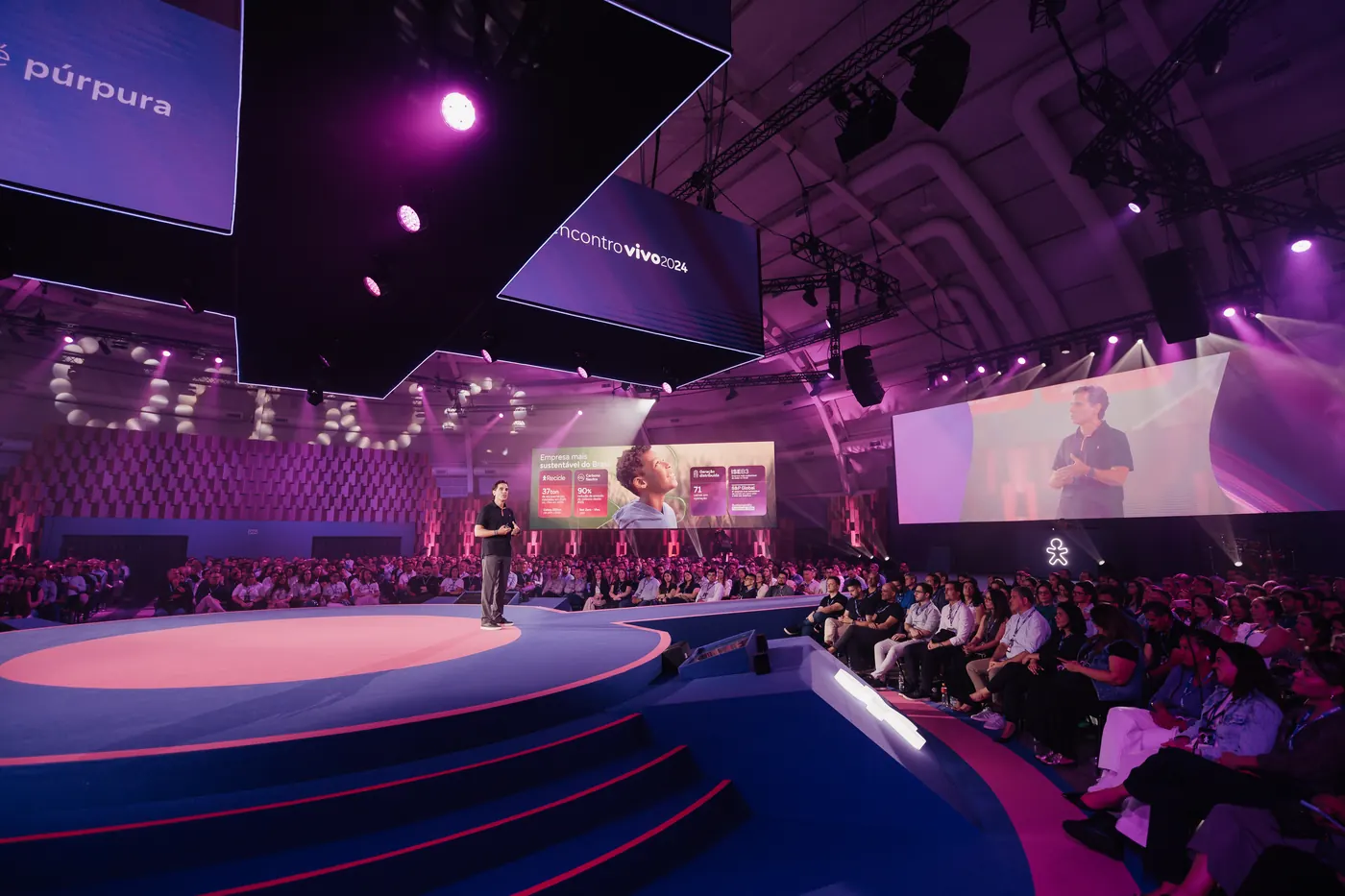
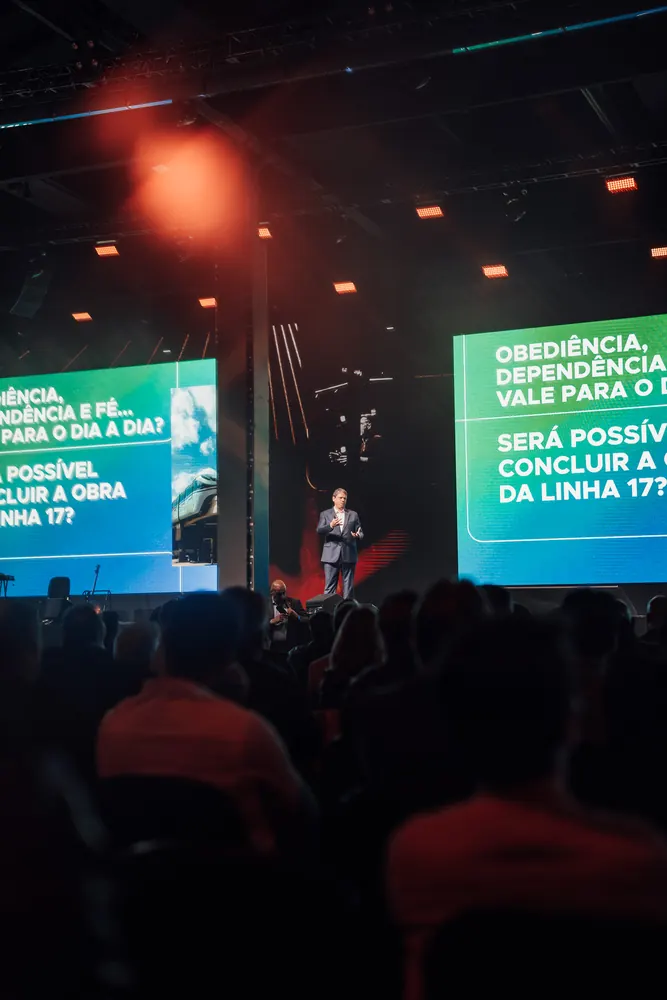
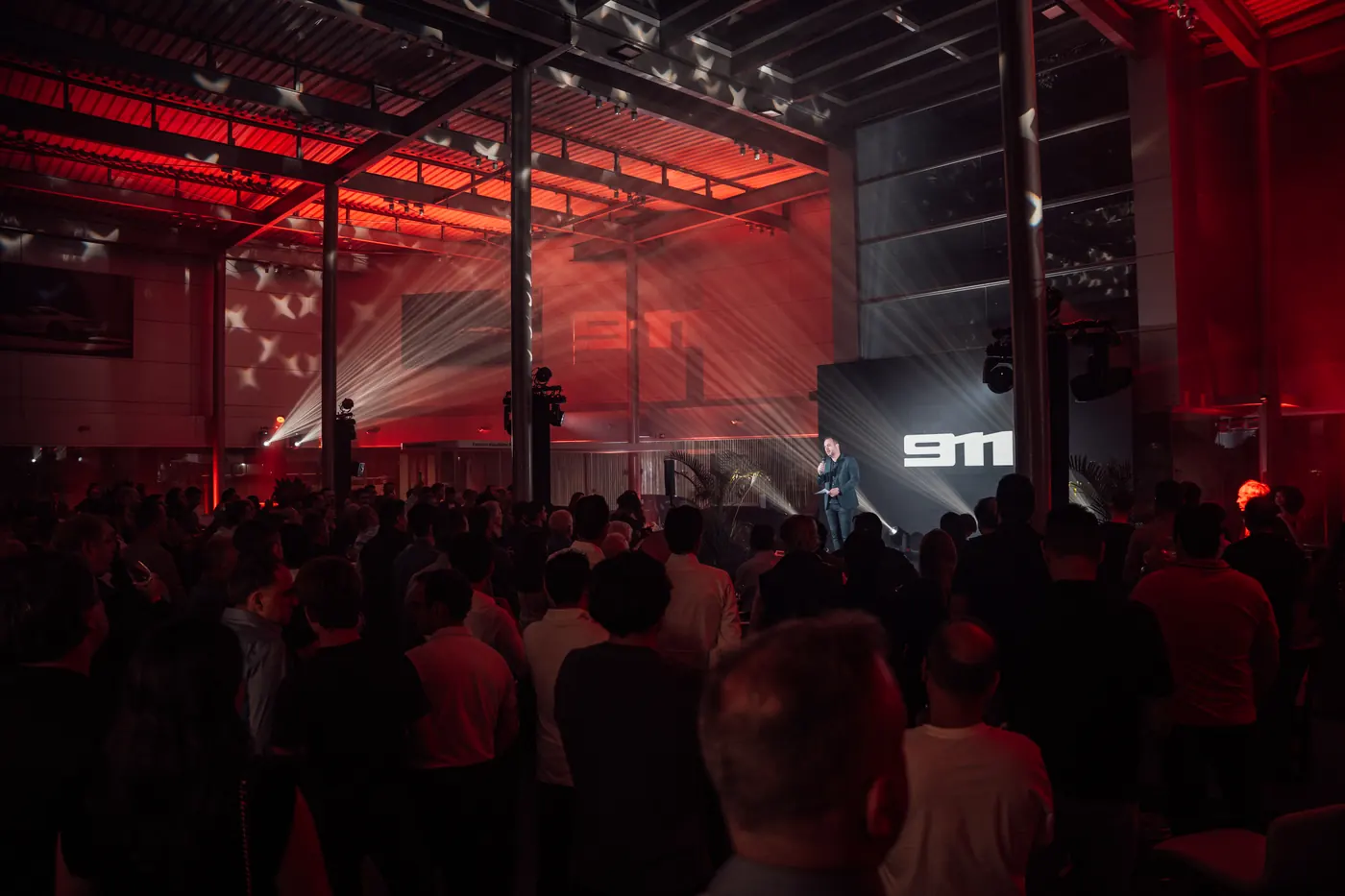
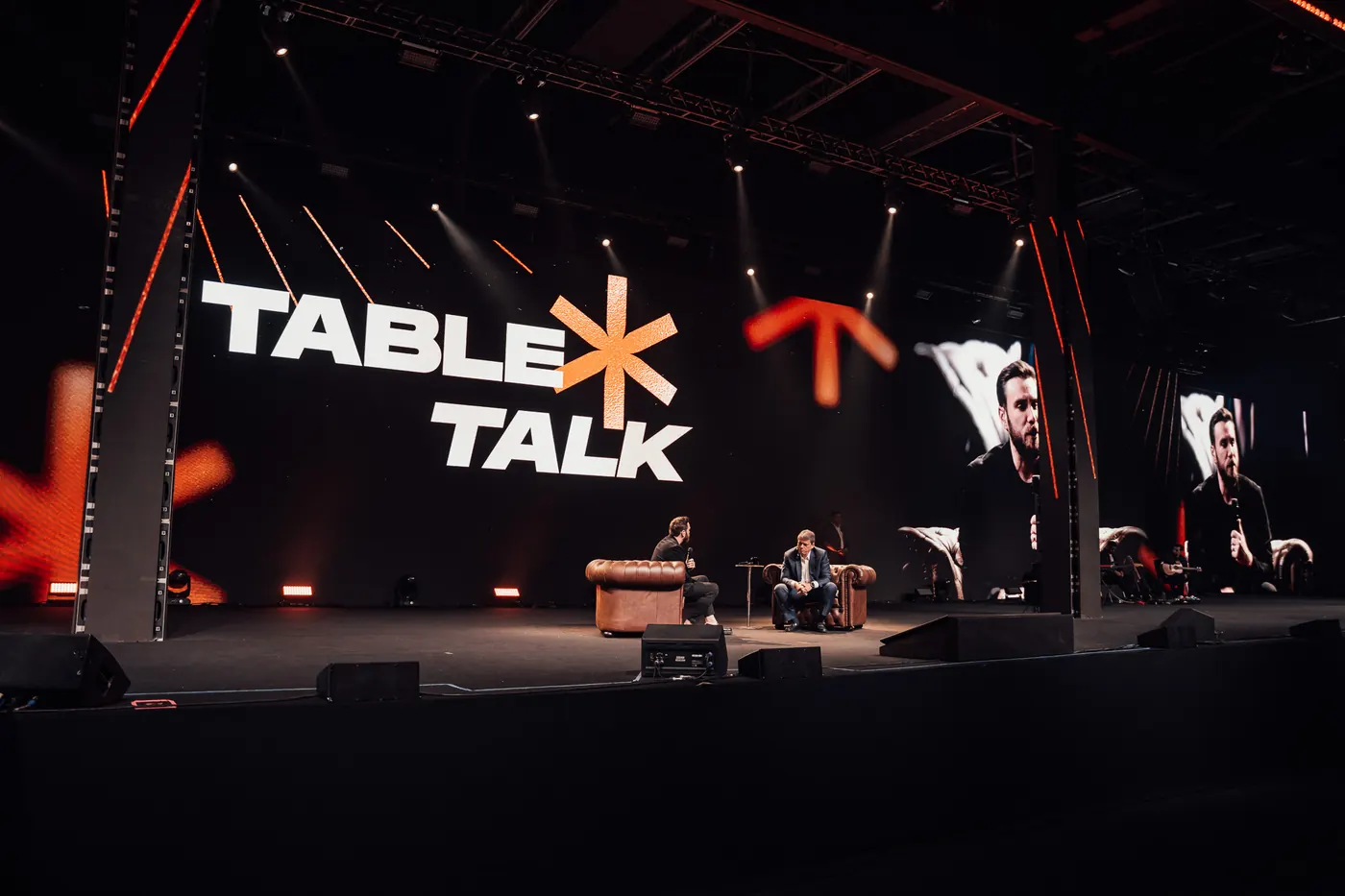
6 Presets
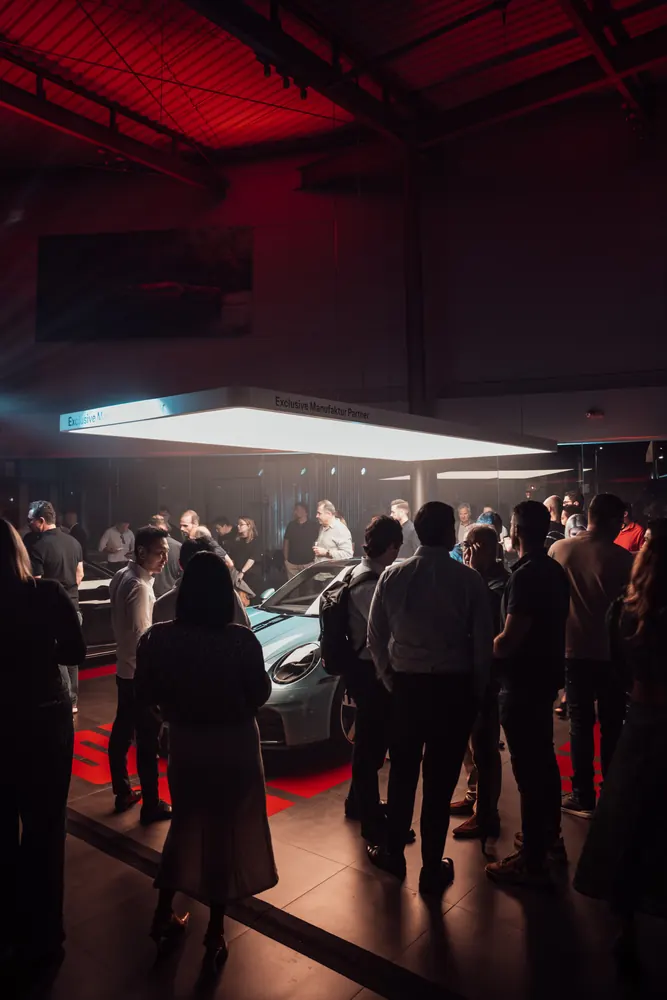
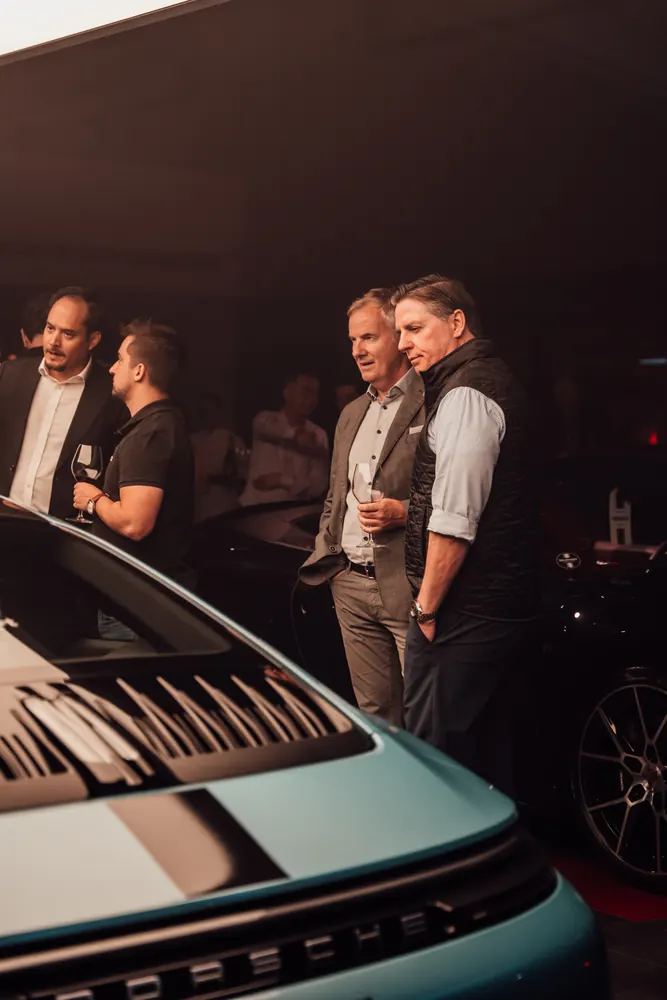
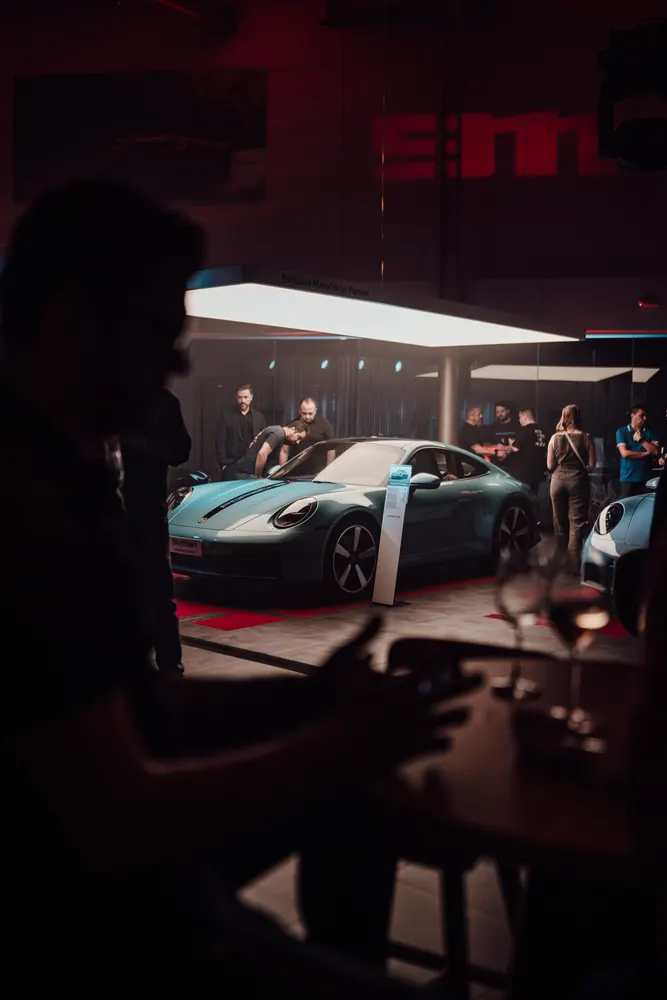
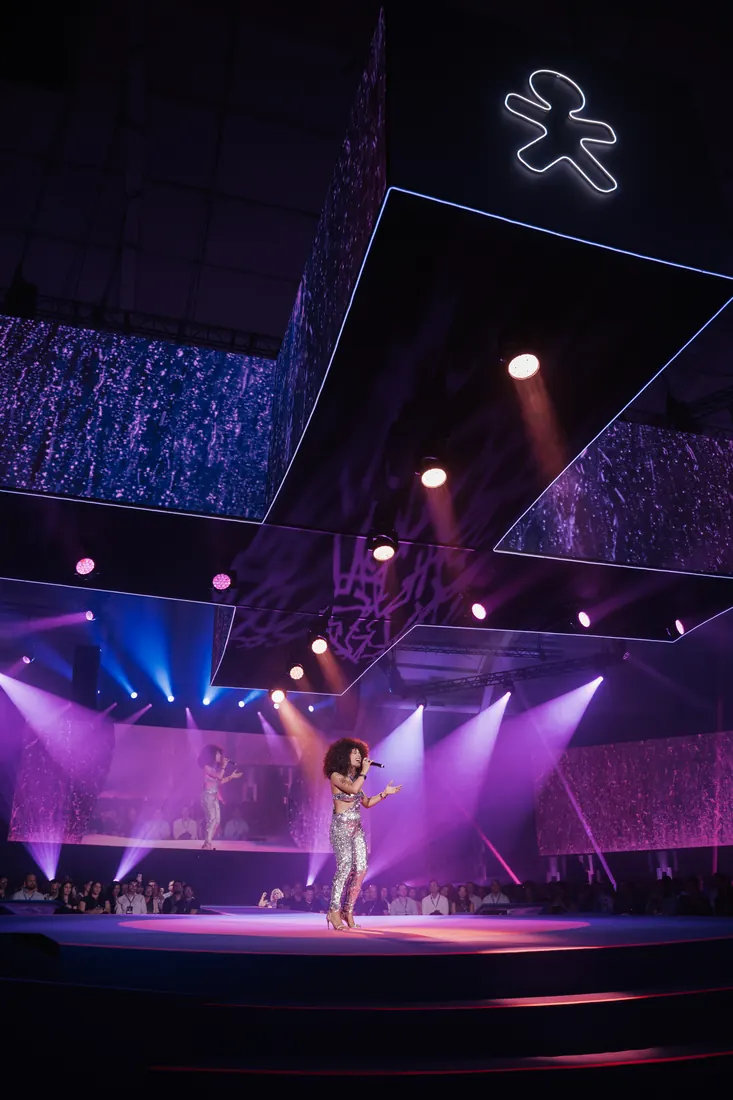
Built for concerts, worship and church stages, theater and mixed-light scenarios. Pick the one closest to your light and go.
 01
 02
 03
 04
 05
 06
Lightroom presets built for stage light.
For concert, worship and event photographers. Fix harsh contrast and blown-out color in seconds and get a modern, intense, professional look.
Get the presets · →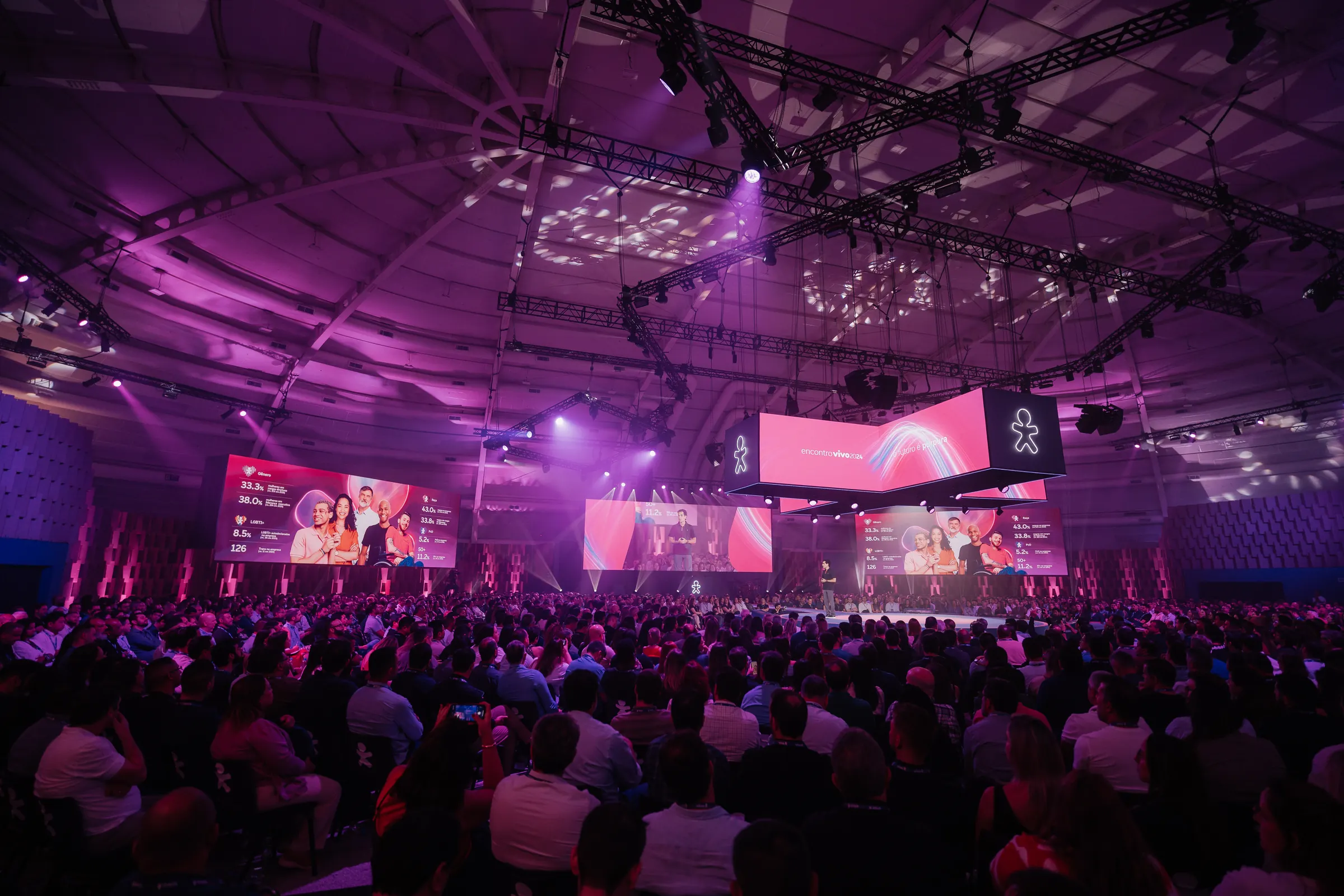
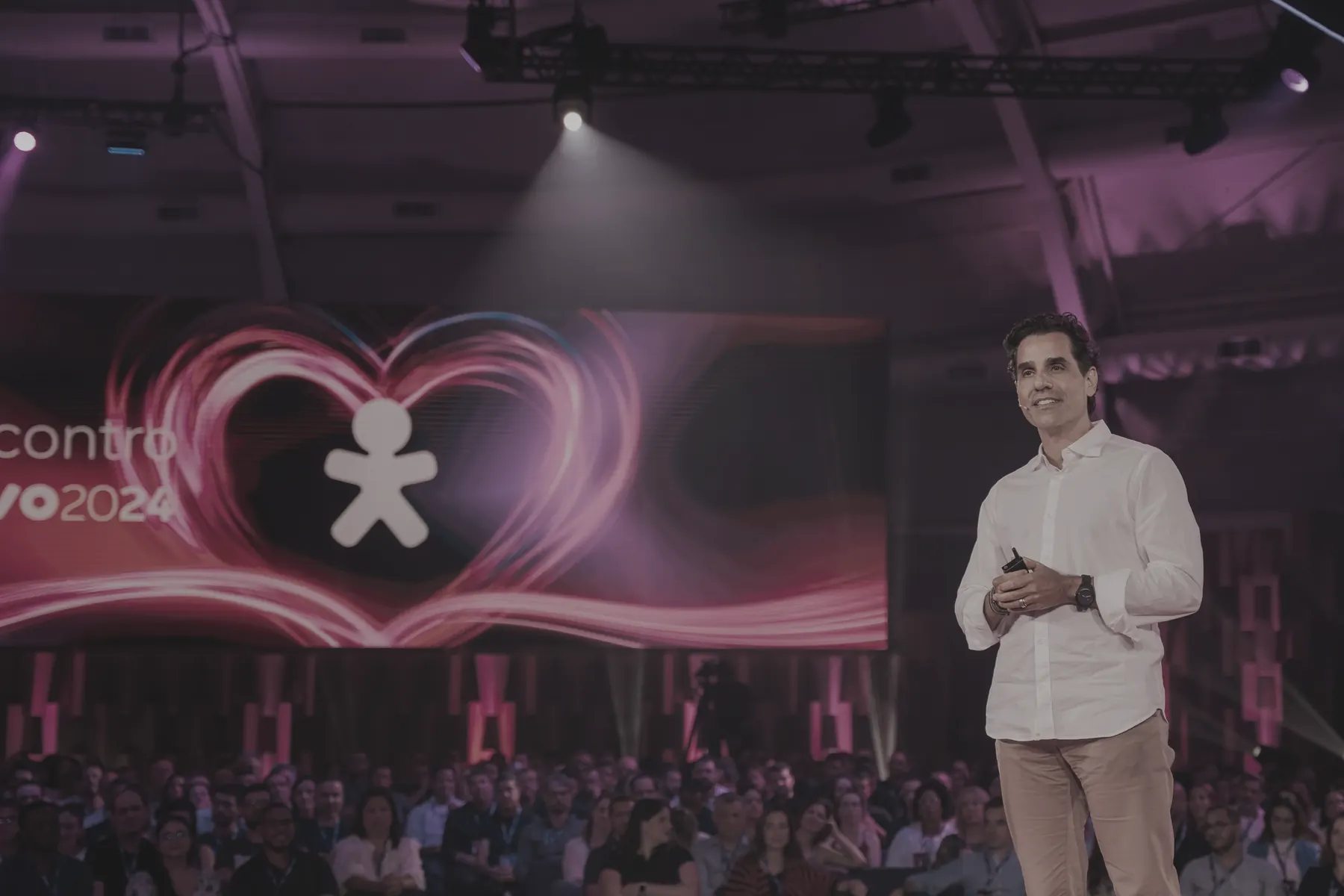
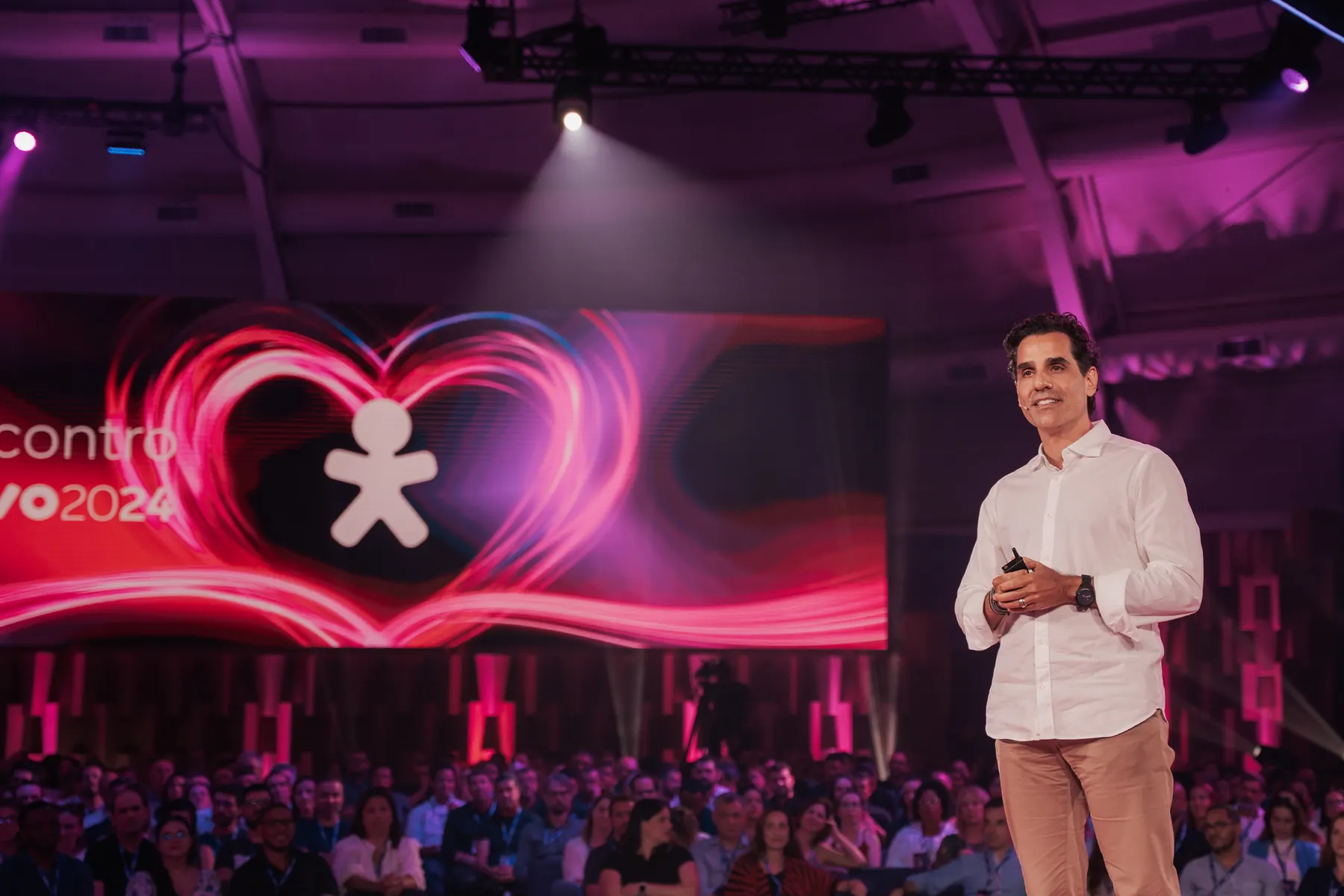 BeforeAfter
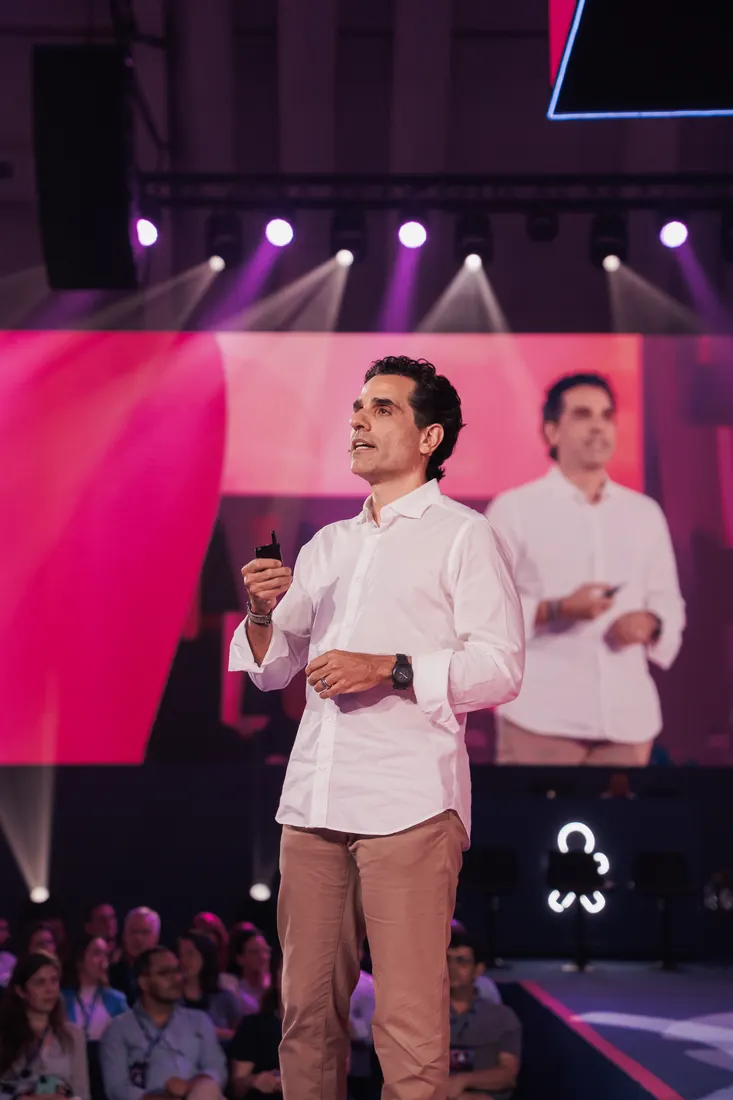
You already know how to edit photos. But concerts are a different reality: saturated colors, blown-out highlights, uneven contrast, smoke, LEDs and harsh shadows. Stage V1 was created to solve exactly that, with presets designed only for stage environments that bring cohesion, intensity and an editorial look to the whole gallery.
Real stages, different light, one consistent look.
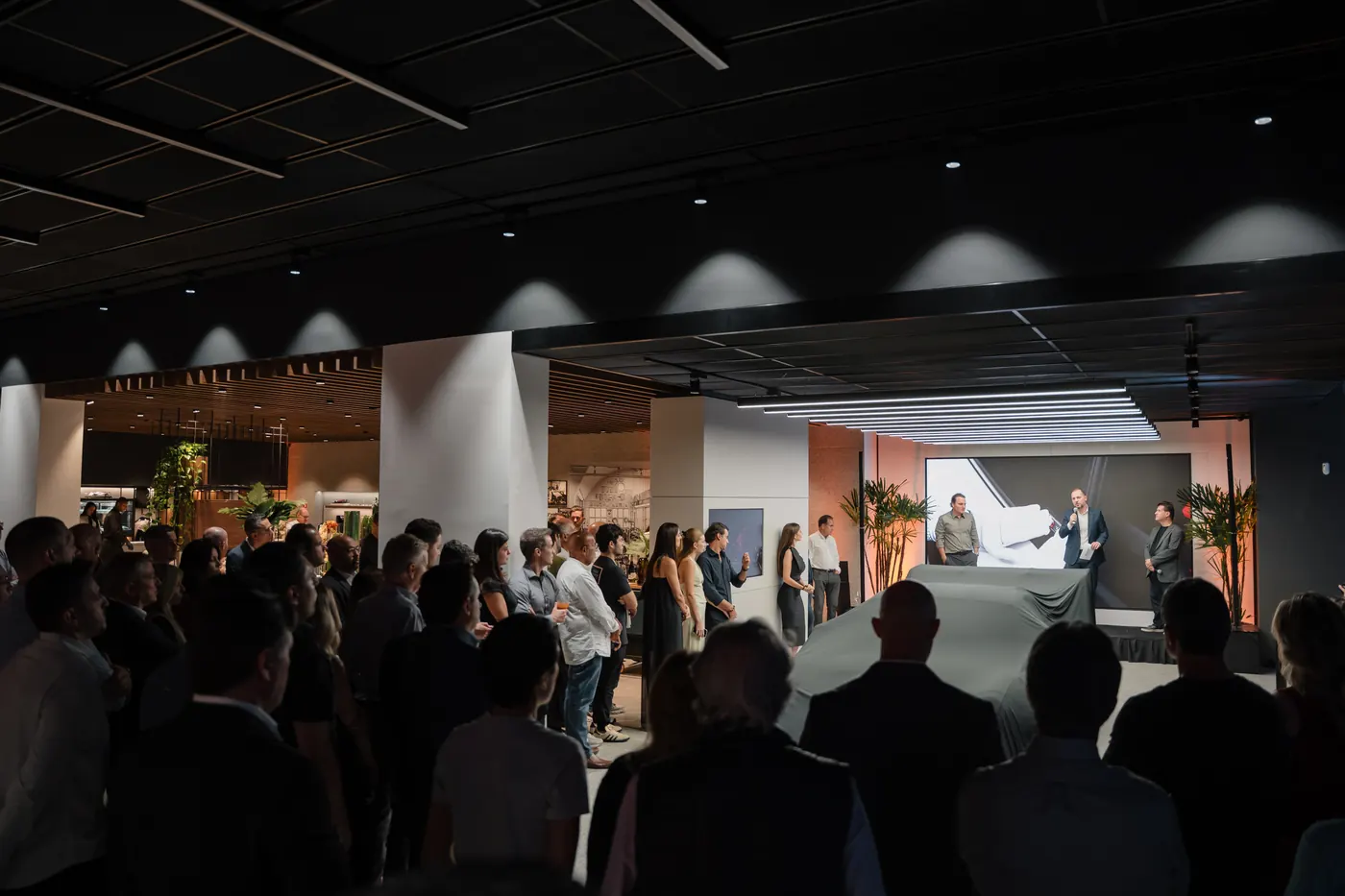
Lucas Parisi has been a photographer for over 10 years. Stage V1 carries the aesthetics and colors that define his style.
Built for concerts, worship and church stages, theater and mixed-light scenarios. Pick the one closest to your light and go.
010203040506Every preset in XMP for Lightroom desktop and DNG for the Lightroom app on iPhone and Android. Edit at the venue or on the way home.
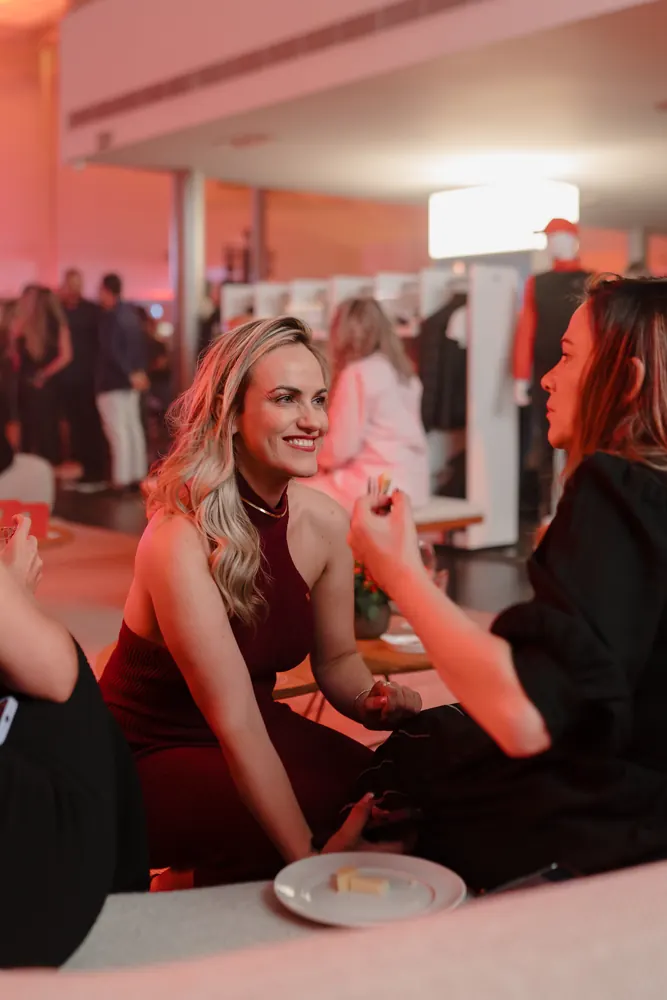
Works on RAW (best results) and JPG files from any camera Lightroom supports. RAW gives more room to recover LED highlights and lift shadows.
 RAWLPS0412.ARWJPGLPS0413.JPGRAWLPS0418.CR3
Designed around the light you actually face: haze, LEDs, moving heads, colored washes and a dark crowd.
A quick-start guide for desktop and mobile comes in every download. Import, apply, adjust. You'll be editing in a couple of minutes.
Secure checkout via Kiwify. Card or Apple Pay.
Instant access to your files in the members area right after payment.
Import into Lightroom desktop or mobile in a couple of minutes, guide included.
One-time payment · 7-day refund · Secure checkout via Kiwify
Yes. Every preset comes in two versions: XMP for Lightroom desktop and DNG for the Lightroom app on iPhone and Android.
On mobile, the free Lightroom app is enough: you import the DNG files and copy their settings. On a computer you need Lightroom Classic or Lightroom desktop (Adobe Creative Cloud).
Yes. They work on RAW and JPG files from any camera Lightroom supports. RAW gives the best results.
Each photo reacts differently to light and color. Pick the preset closest to your stage, then adjust temperature and exposure. The install guide shows how.
Yes. If Stage V1 isn't right for you, ask for a full refund within 7 days of purchase. Email bylucasparisi@gmail.com or request it through your Kiwify purchase receipt.
Right after payment you get instant access to the members area, where you download the files.